Choose the recorded condition. Physical inspection and any repairs can affect the final sale price.
Your price guide
A CLEARER PRICE. A BETTER START.
Know what shapes your device’s value.
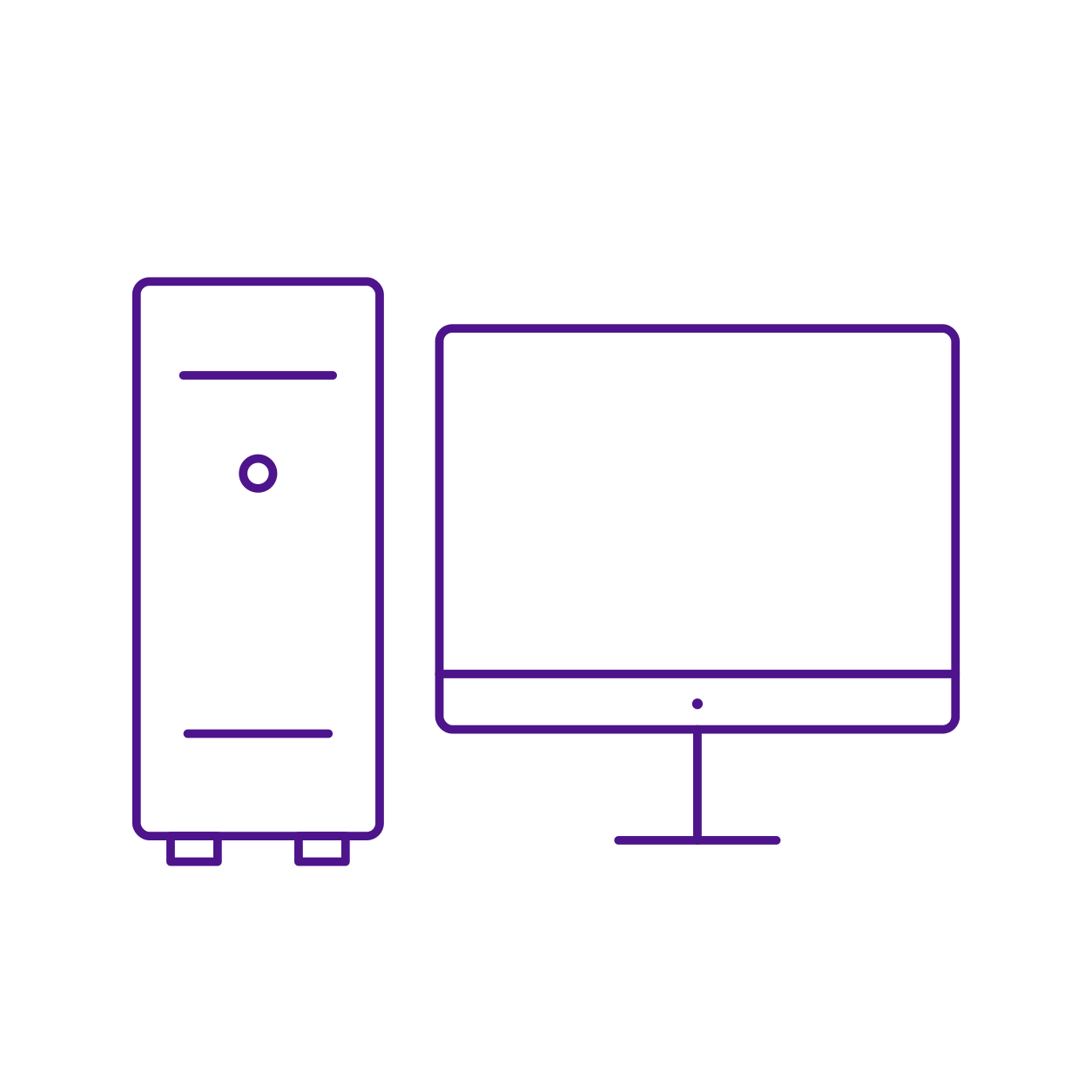
Estimate the indicative value of a desktop computer system unit. Choose PC, its manufacturer and model, then enter the installed processor, memory, drives and graphics. The PC illustration represents the computer unit; it does not imply that a monitor or other peripherals are included.
BEFORE YOU DECIDE
The details worth checking.
Identify the desktop model and case size, such as tower, small form factor or mini PC.
Enter the exact processor, generation and installed RAM.
Record each drive's type and capacity accurately.
Confirm whether graphics are integrated or provided by a separate card.
List the monitor, keyboard, mouse and other extras separately when negotiating a complete setup.
Exact model. Actual specifications. Honest condition.
LOCAL DEVICES. LOCAL PRICE GUIDES.
Comparing desktop PC prices in Pakistan
01
Make the right comparison.
A useful used PC comparison starts with the system unit and its installed parts. Match the processor generation, RAM type and capacity, SSD or HDD, and any dedicated graphics. Check whether a monitor, keyboard, mouse or other accessories are included or priced separately.
02
Check the device in front of you.
For an office or home PC purchase in Pakistan, test the actual machine and confirm its storage health, ports, cooling and power supply. Ask about upgrades and any seller warranty. Compare the complete configuration in PKR; the same case or model family does not guarantee the same components inside.
GOOD QUESTIONS. CLEAR ANSWERS.
A little more clarity.
Before you use your desktop pc price guide, here’s what to keep in mind.
Is a monitor included in the PC estimate?
Do not assume one is included. Use the system-unit estimate and value a monitor and other peripherals separately unless a reviewed quotation explicitly includes them.
Can I value a mini PC?
Choose the correct model and PC type where available. A mini PC should not be substituted with a larger desktop merely because the processor name looks similar.
Should I enter the original or upgraded specification?
Enter the components currently installed. Confirm the parts on the actual computer before relying on the result.
WHEN YOU NEED A SECOND OPINION
Your device deserves a closer look.
Missing a model or unsure about the details? Talk to PakDevices experts about a reviewed valuation.