
Memory upgrades for everyday workloads
Include the device model, installed RAM and applications your team uses so memory type, capacity limits and upgrade suitability can be reviewed.
LAHORE · PAKISTAN · BUSINESS IT
Is a workstation slowing your team down, or has an office computer reached the point of replacement? Share the current specifications and workload to discuss business hardware upgrades, compatibility and replacement priorities with PakDevices.
Scope and pricing agreed before work begins.
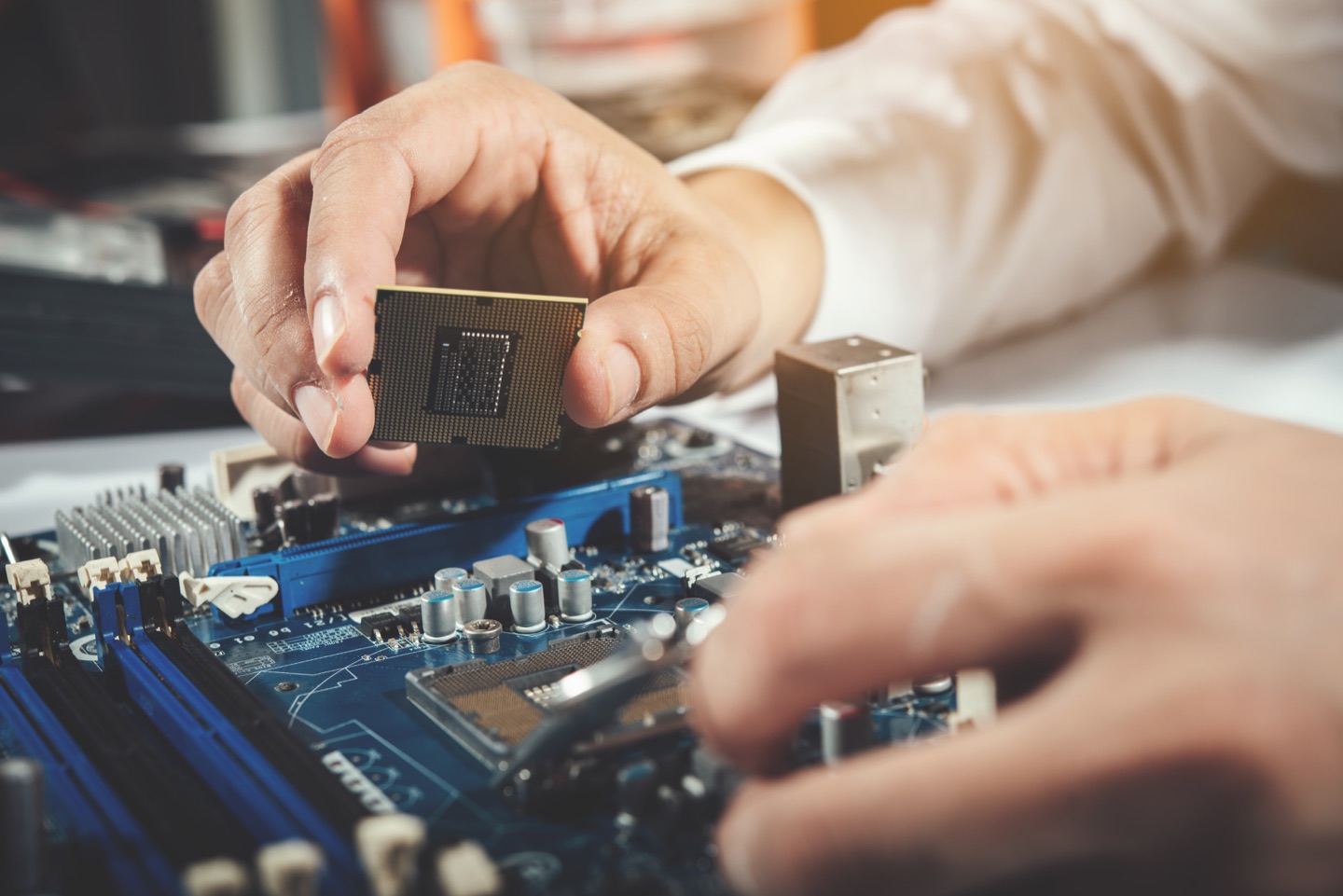 YOUR WORKPLACE. YOUR REQUIREMENTS.
Illustrative stock photography · See photography credits
UPGRADE WITH A PURPOSE.
Share your current setup and the result you need. The team will review the requirements and confirm the available scope, location coverage and next step.
Include the device model, installed RAM and applications your team uses so memory type, capacity limits and upgrade suitability can be reviewed.
Describe your current drive, capacity and storage problems. Compatibility, migration, backups and any data-transfer work should be agreed before changes.
Explain the development, design or other business workloads behind the request so the discussion can focus on the bottleneck rather than a speculative parts list.
Discuss display connections, docks, power adapters and peripherals as part of the full workstation requirement, including model-specific compatibility.
Bring together device condition, known faults, budget and expected use to discuss the practical options and their separate costs.
Service scope, location coverage, response arrangements and any third-party costs are confirmed after review.
SOFTWARE HOUSES · OFFICES · GROWING TEAMS
Whether you run a software house, a professional office or a growing company, include the business context so the team can review a practical approach.
 01 / YOUR WORKPLACE
A PLAN THAT STARTS WITH YOUR REQUIREMENTS
Review memory, storage and device specifications against the actual developer tools and tasks the team needs to run.
 02 / YOUR WORKPLACE
A PLAN THAT STARTS WITH YOUR REQUIREMENTS
Identify the devices that need immediate attention and plan later replacements around budget, availability and your preferred rollout order.
A CLEAR NEXT STEP
No technical brief is needed. Start with the details you know; the team can clarify the rest.
Share the relevant equipment, business location, requirements and timing.
The expert team reviews the enquiry and clarifies the details needed to assess it.
Confirm scope, availability, pricing and any terms before work or a transaction is authorised.
A FEW THINGS TO KNOW
Include any other question in your enquiry.
Ask the PakDevices teamCompatibility depends on the exact device or motherboard model, existing parts and supported limits. Include those details or state that they need checking; do not buy parts based only on a generic laptop or desktop category.
No. Some components are soldered, restricted or model-specific. The proposed upgrade needs a compatibility review, and replacing the device may be an option where an upgrade is unsuitable.
Do not assume it does. Backups, drive cloning, data migration, application licences and account access should be identified and authorised as separate tasks in the agreed scope.
Describe the condition, known problems, current specifications, workload and budget. These details support a review, but an enquiry does not guarantee a particular recommendation, performance result or available device.
Warranty and service terms should be stated separately for supplied parts, replacement equipment and installation work. Ask for those terms and any exclusions to be confirmed before authorising the work.
Enter your email address or username and we will send you a secure reset link.
Buy Sell Laptops, Mobile, Tablets, PCs, gaming PCs, monitors, printers, network devices, Parts & Accessories in Pakistan.
Explore app features