
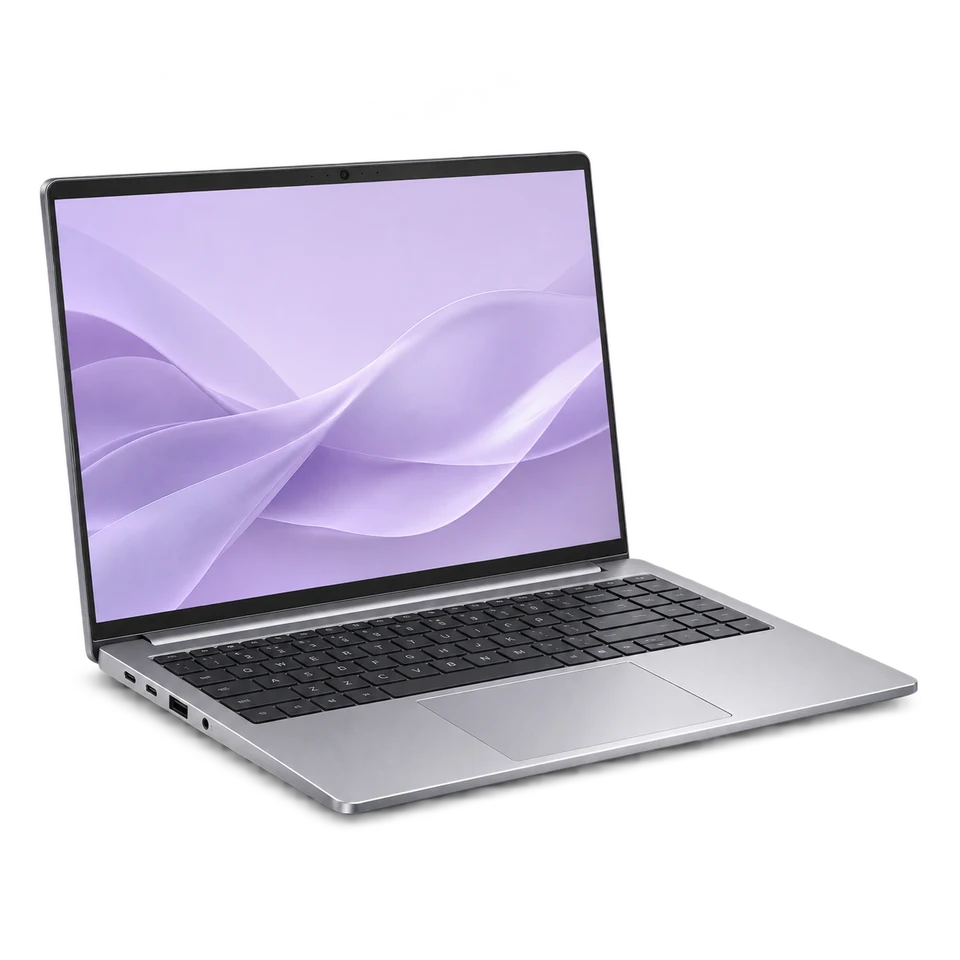
HP Laptop Specifications
Search by full model name. Check the exact configuration before comparing.

Key specifications
HP OmniBook X 14
Open this model to check its available details.
Company logo shownKey specifications
HP OmniBook X 14-fe0000
Open this model to check its available details.
Company logo shownKey specifications
HP OmniBook X Flip
Open this model to check its available details.
Company logo shownKey specifications
HP OmniBook X Flip 14
Open this model to check its available details.
Company logo shownKey specifications
HP OmniBook X Flip 16
Open this model to check its available details.
Company logo shownKey specifications
HP Pavilion Aero 13
Open this model to check its available details.
Company logo shownKey specifications
HP Pavilion Gaming 15-dk Series
Open this model to check its available details.
Company logo shownKey specifications
HP Pavilion x360 14 Dh0000
Open this model to check its available details.
Company logo shownKey specifications
HP Pavilion x360 14 Dh1000
Open this model to check its available details.
Company logo shownKey specifications
HP Pavilion x360 14 Dh2000
Open this model to check its available details.
Company logo shownKey specifications
HP Pavilion x360 14-dh Series
Open this model to check its available details.
Company logo shownKey specifications
HP Pavilion x360 14 Dw0000
Open this model to check its available details.
Company logo shownKey specifications
HP Pavilion x360 14 Dw1000
Open this model to check its available details.
Company logo shownKey specifications
HP Pavilion x360 14 Dw2000
Open this model to check its available details.
Company logo shownKey specifications
HP Pavilion x360 14-dw Series
Open this model to check its available details.
Company logo shownKey specifications
HP Pavilion x360 14 Ec0000
Open this model to check its available details.
Company logo shownKey specifications
HP Pavilion x360 14 Ec1000
Open this model to check its available details.
Company logo shownKey specifications
HP Pavilion x360 14 Ec2000
Open this model to check its available details.
Company logo shownKey specifications
HP Pavilion x360 14 Ek0000
Open this model to check its available details.
Company logo shownKey specifications
HP Pavilion x360 14 Ek1000
Open this model to check its available details.
Company logo shownKey specifications
HP Pavilion x360 14 Ek2000
Open this model to check its available details.
Company logo shownKey specifications
HP Pavilion x360 14-ek Series
Open this model to check its available details.
Company logo shownBefore you buy
Choose with confidence
A few simple checks can help you choose the right device.
Check the exact model
Match the full model number and configuration. Components, connections and supported upgrades can vary between versions.
- Processor model and generation for the speed you need
- RAM, SSD capacity and available upgrade options
- Screen quality, battery life, keyboard, webcam and ports
Compare the features you need
Look at performance, display, battery and connectivity together. Choose the features that matter for your daily use.
- Performance and compatibility
- Display and connectivity
- Power needs and accessories
Confirm with the seller
Shortlist up to three models. Before buying, confirm the condition, warranty and included accessories with the seller.
- Compare like-for-like variants
- Check the individual device
- Confirm price and availability
Helpful answers
Questions, answered.
Find quick answers about specifications, model variants and comparing devices.
Request a correction →How do I compare devices?
Choose up to three models using Compare on the cards. Check the exact model number and configuration, then compare the features you need.
Are these specifications a guarantee of price or availability?
No. Specifications help you compare models. Confirm the current price, availability, condition and warranty with the seller before buying.
Found a device you like?
Compare your favourites, confirm the exact model and check availability with the seller.