 Price reference
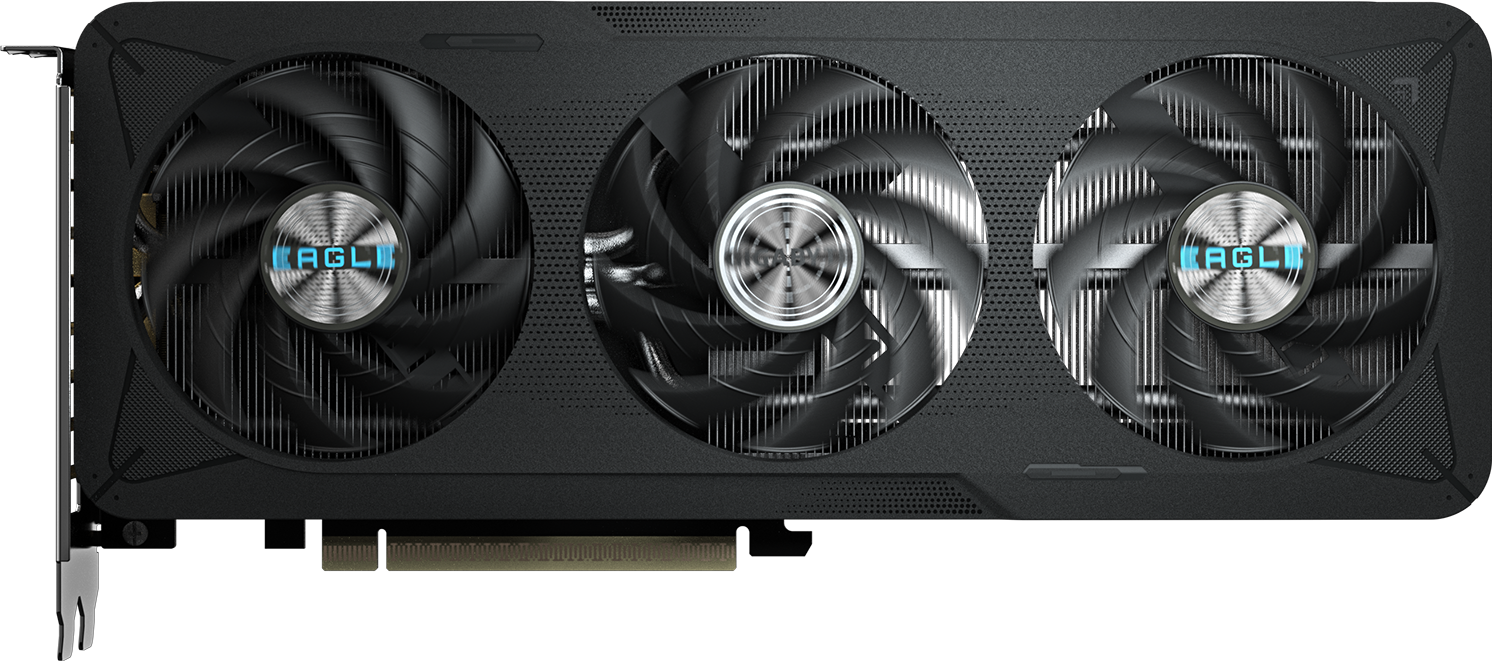
Gigabyte GeForce RTX 5060 EAGLE MAX OC 8G Graphics Card
PKR 155,000
Reference price
Desktop
Checked 26 Oct 2026
Your next laptop. Your dream gaming PC. That one perfect part.
Find it all across PakDevices.
One search across devices, parts, prices & guides
Big possibilities. One simple search.
YOUR NEXT GREAT FIND
A few places to start. A whole website to discover.
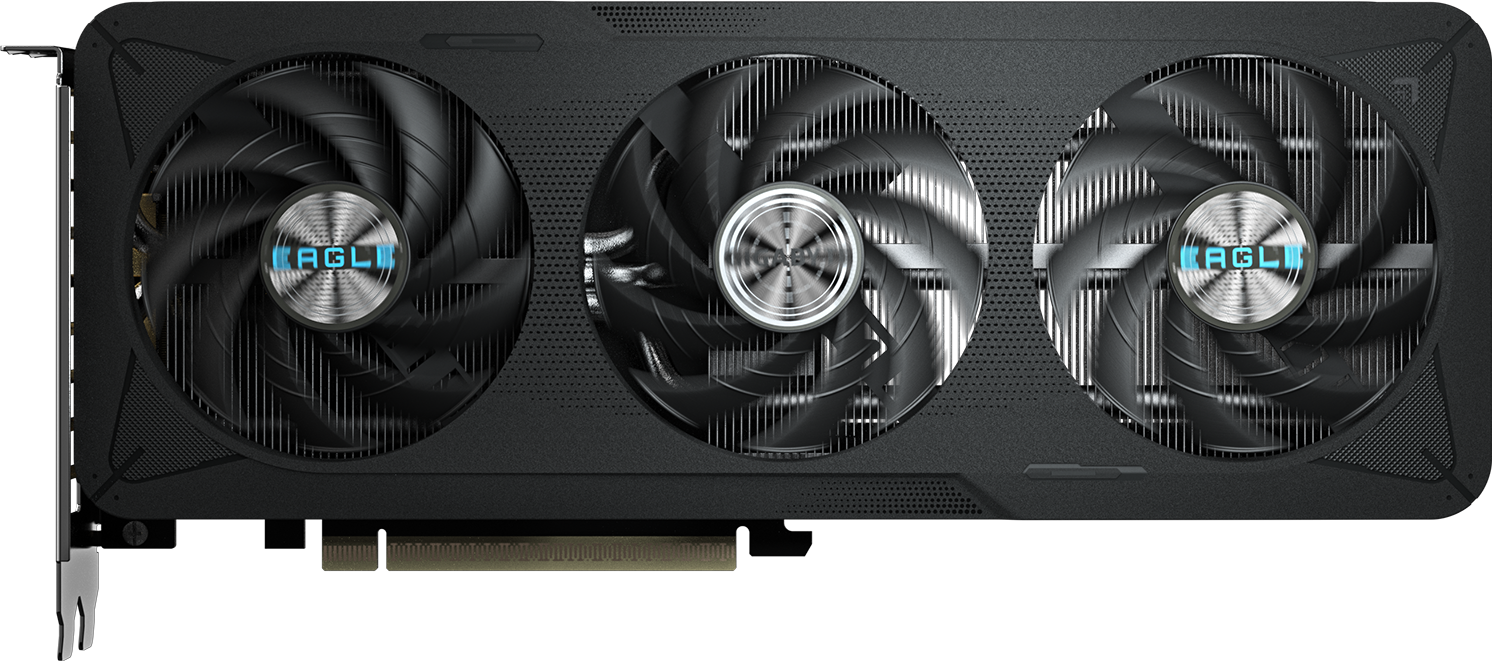
RAM, SSDs, graphics cards, motherboards & cooling
Price referenceReference price
Checked 26 Oct 2026
 Price reference
Reference price
Checked 26 Oct 2026
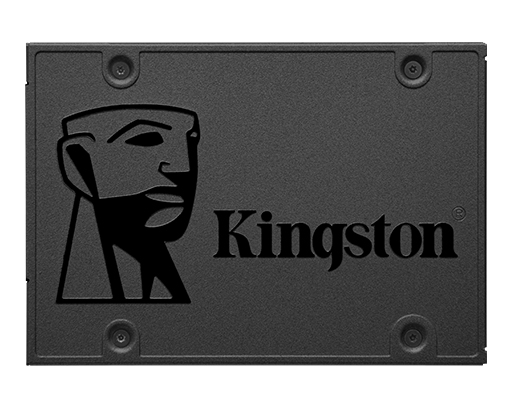 Price guide
Compare new and used SSD prices in Pakistan. Switch between 2.5-inch SATA, M.2 SATA and NVMe M.2, then check capacity and device fit.
Read more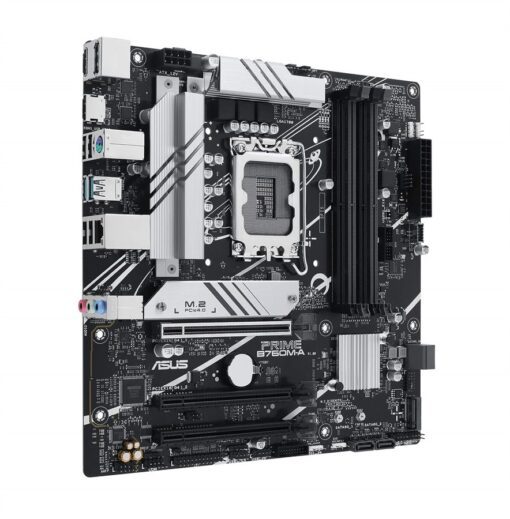 Price reference
Reference price
Checked 8 Nov 2026
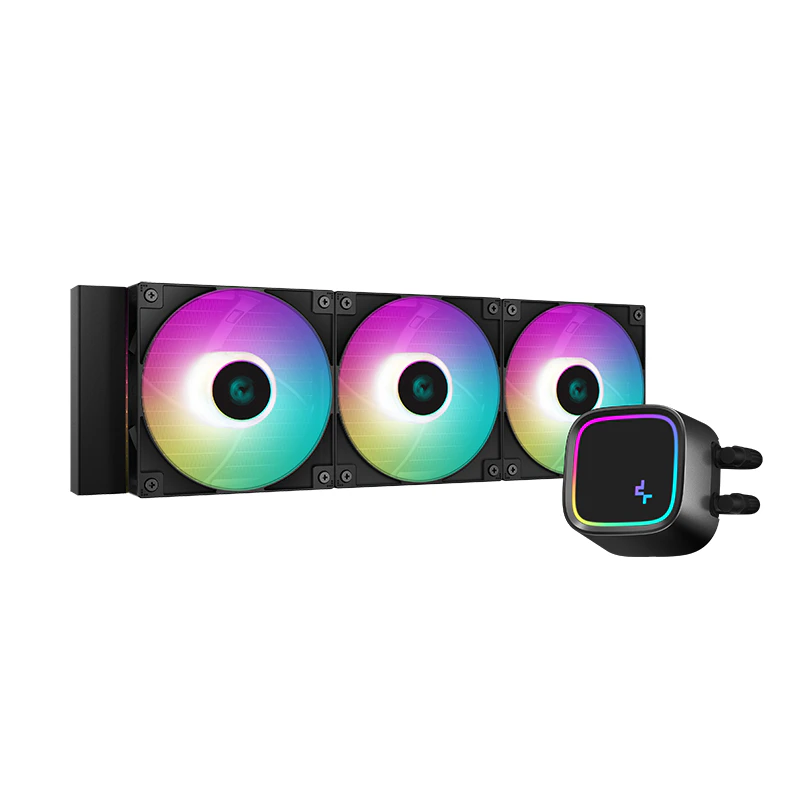 Price reference
Reference price
Checked 8 Nov 2026
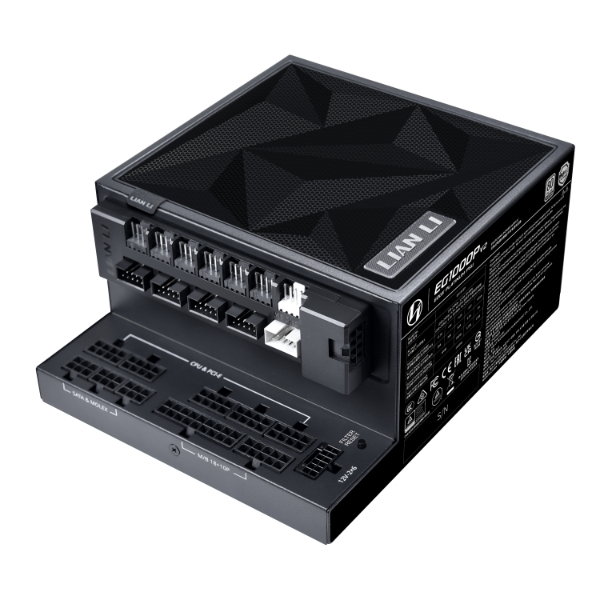 Price reference
Reference price
Checked 26 Oct 2026
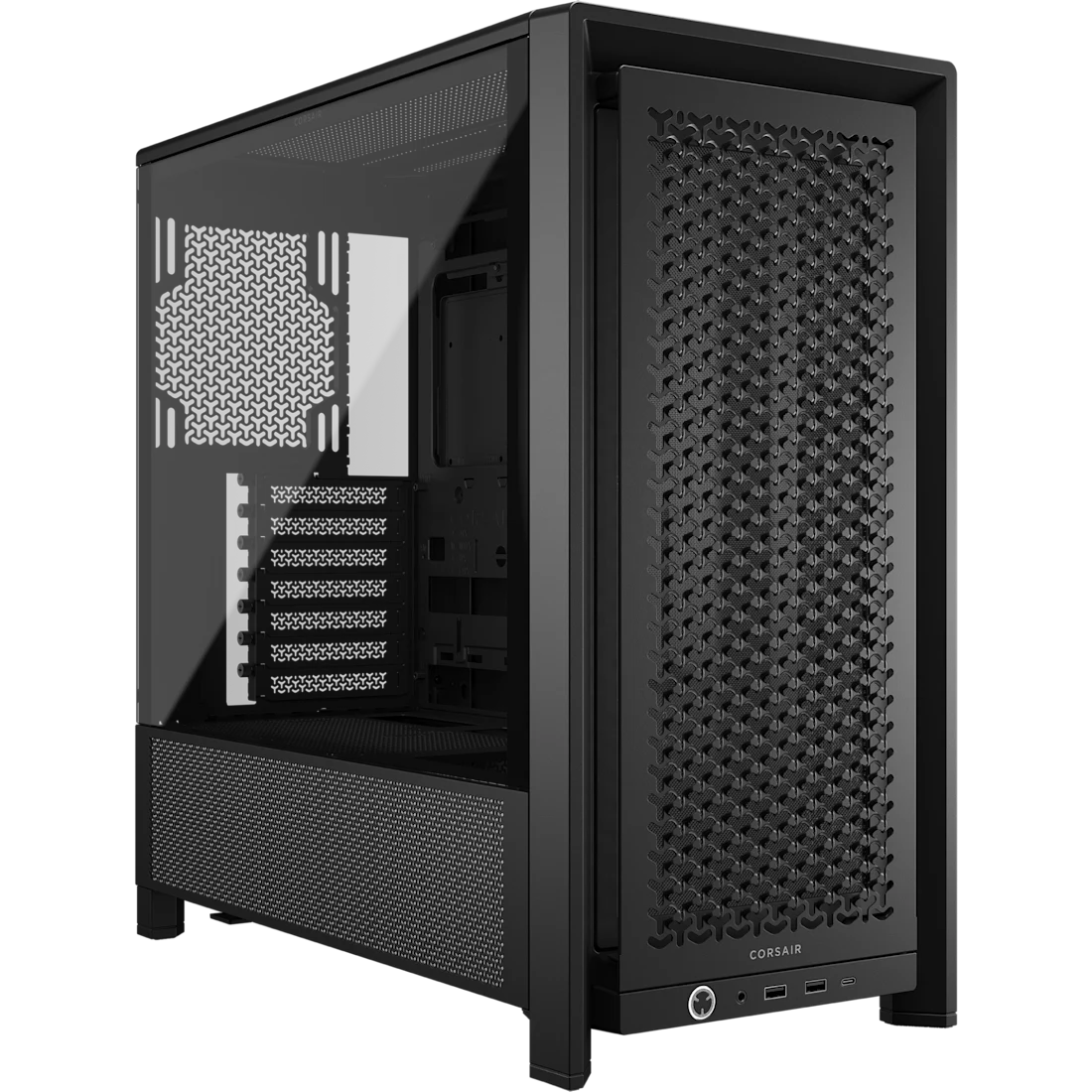 Price reference
Reference price
Checked 8 Nov 2026
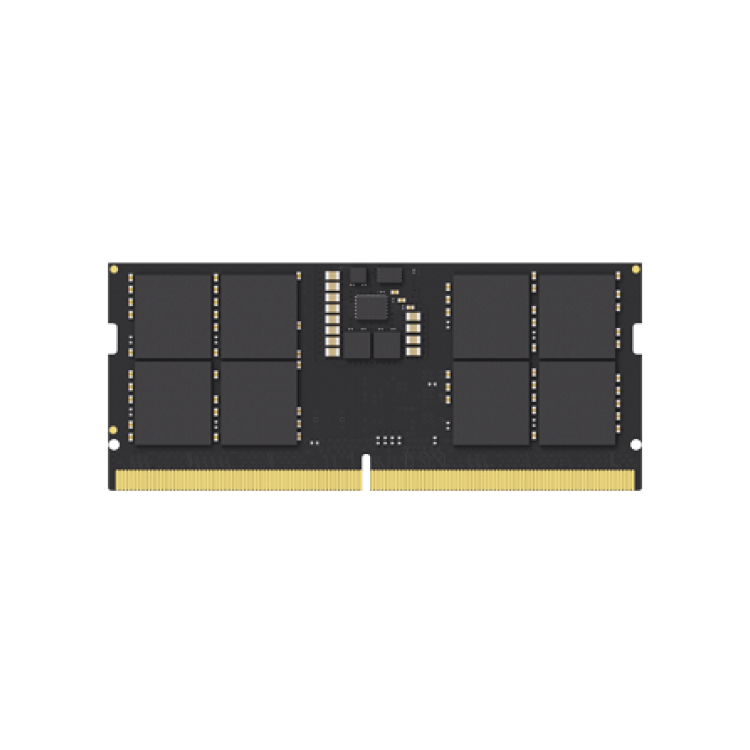 Price reference
Reference price
Checked 26 Oct 2026
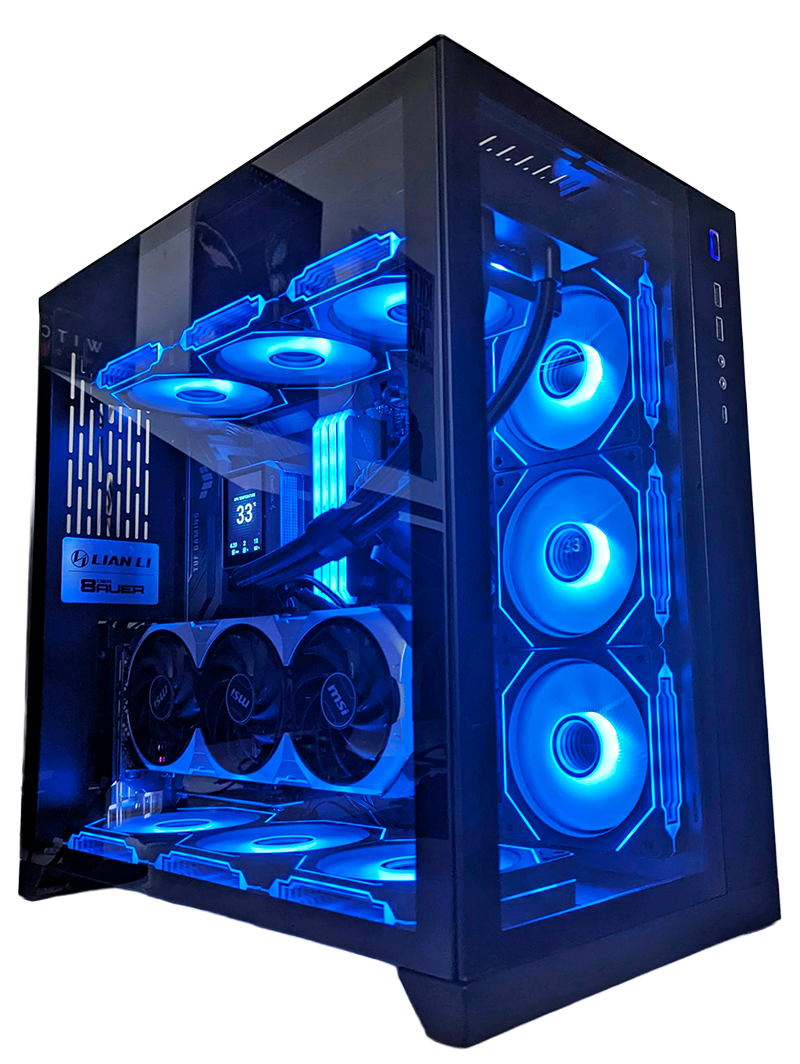
Complete builds from sellers across Pakistan
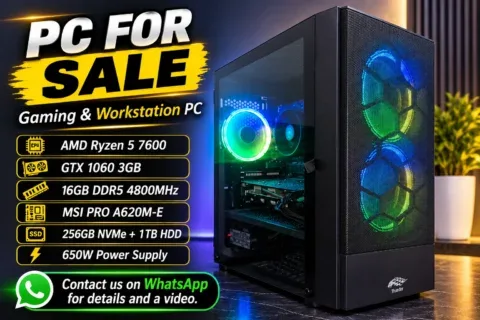 Like New
Islamabad
5 Nov 2026
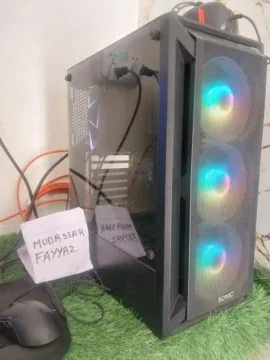 Used
Rawalpindi
5 Nov 2026
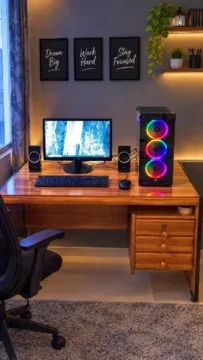 Like New
Karachi
2 Nov 2026
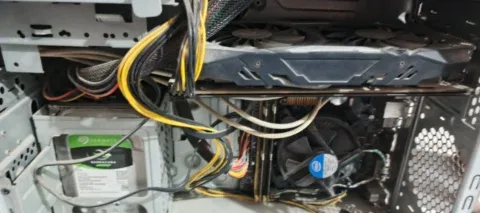 Used
Karachi
2 Nov 2026
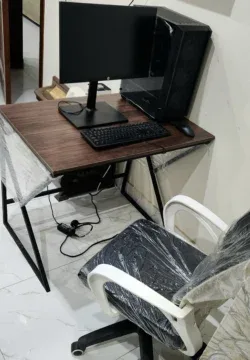 Used
Lahore
1 Nov 2026
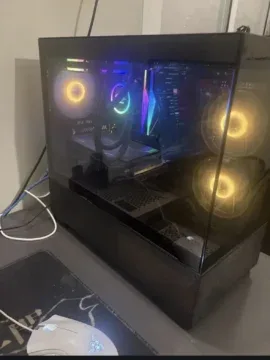 Used
Bahawalpur
1 Nov 2026
 Used
Lahore
1 Nov 2026
 Like New
Chiniot
30 Oct 2026
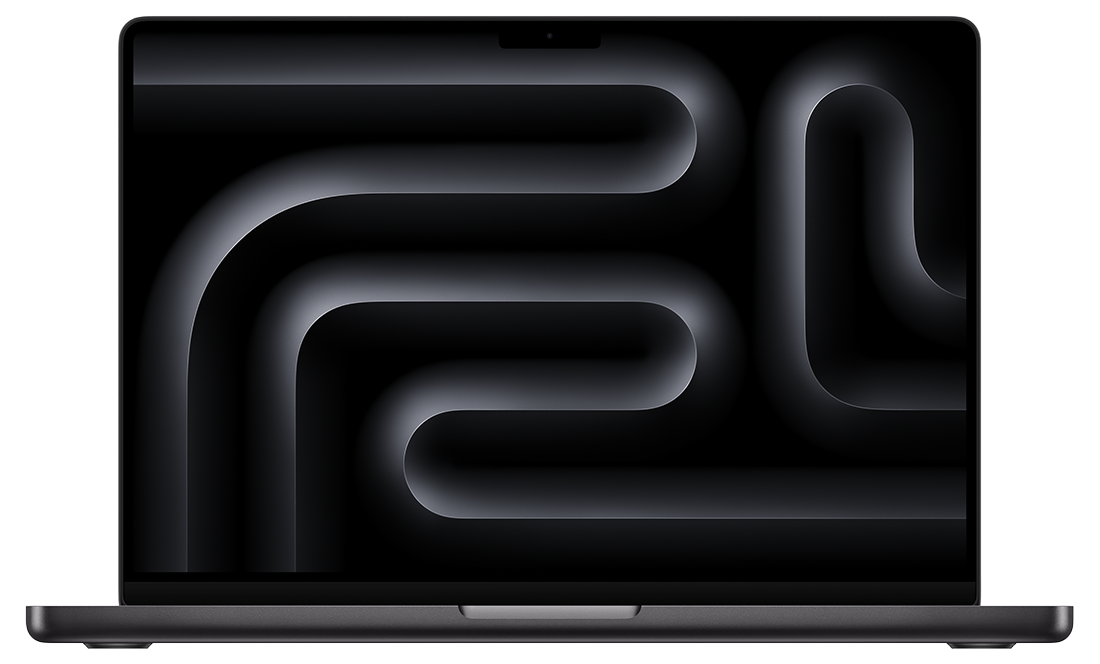
Find your next everyday, work or gaming laptop
 Used
Karachi
8 Nov 2026
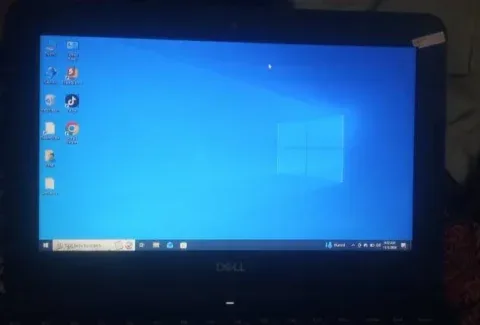 Used
Sahiwal
7 Nov 2026
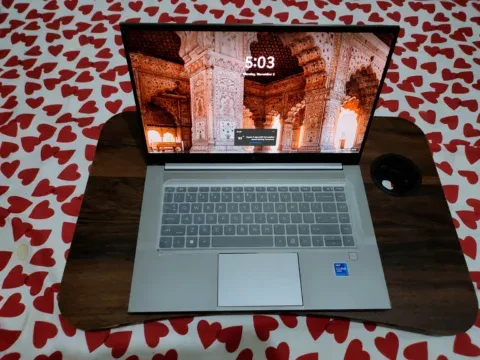 Like New
Karachi
7 Nov 2026
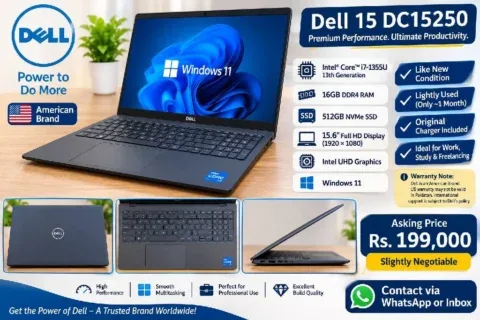 Open Box
Karachi
7 Nov 2026
 Like New
Bahawalpur
7 Nov 2026
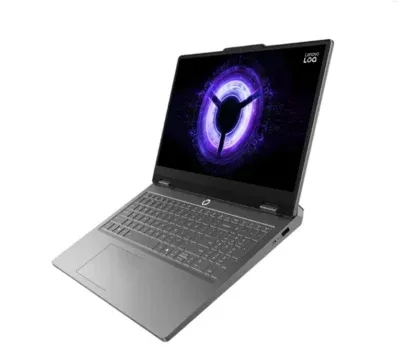 Brand New
Lahore
7 Nov 2026
 Used
Karachi
6 Nov 2026
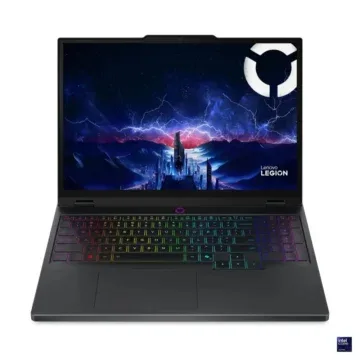 Brand New
Lahore
5 Nov 2026
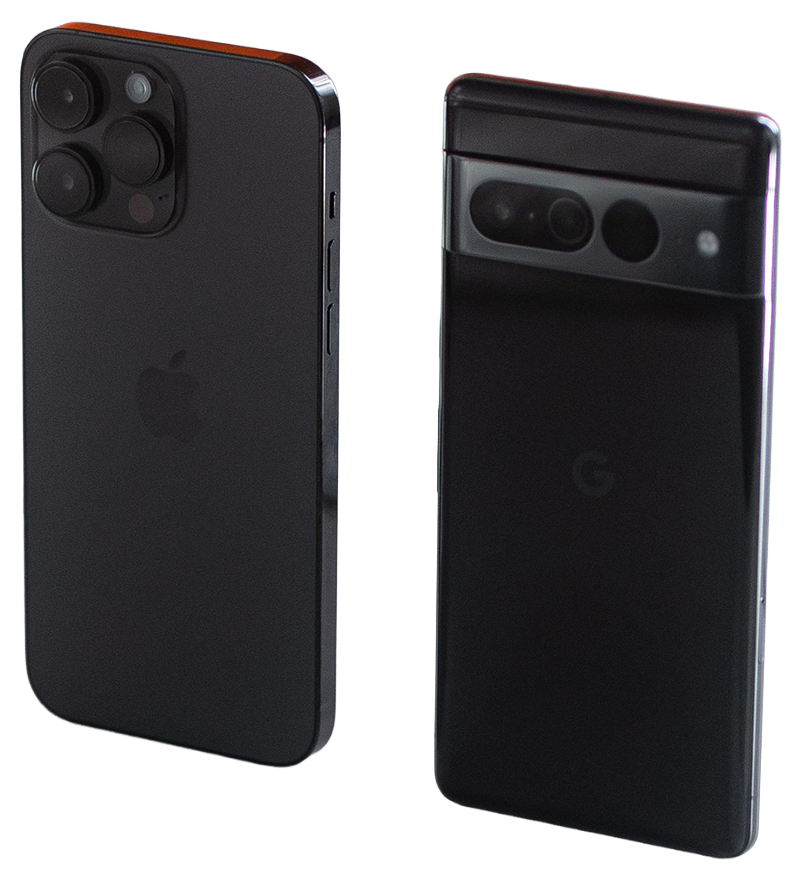
Mobile phones listed on PakDevices
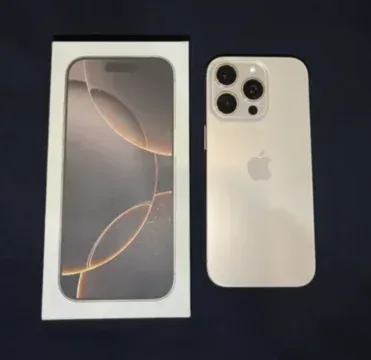 Used
Lahore
6 Nov 2026
 Used
Lahore
5 Nov 2026
 Used
Karachi
5 Nov 2026
 Used
Karachi
5 Nov 2026
 Used
Karachi
4 Nov 2026
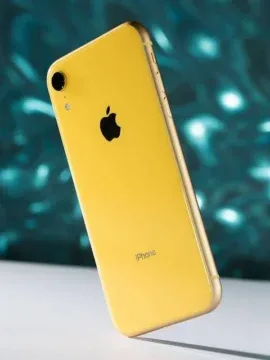 Used
Karachi
4 Nov 2026
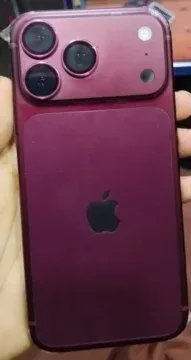 Used
Lahore
4 Nov 2026
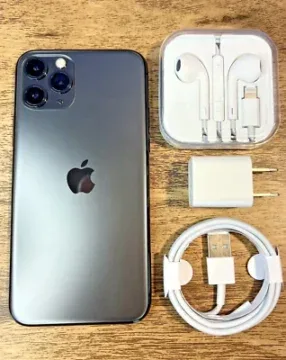 Used
Lahore
4 Nov 2026
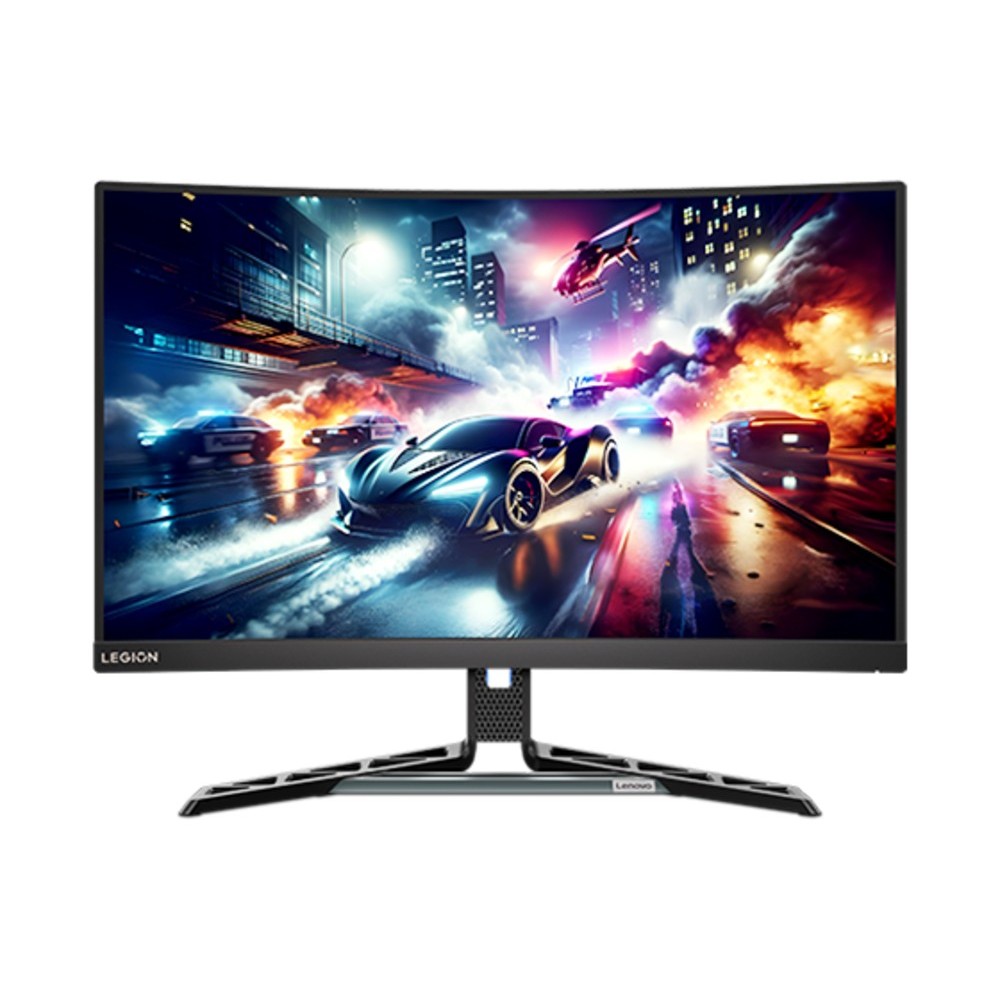
Desktop PCs, monitors, tablets and more
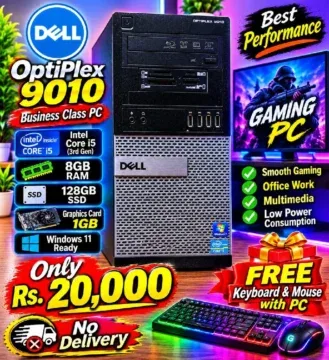 Used
Peshawar
7 Nov 2026
 Open Box
Abbottabad
4 Nov 2026
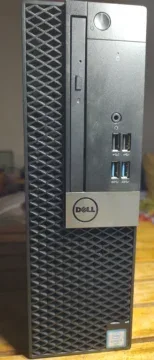 Like New
Rawalpindi
4 Nov 2026
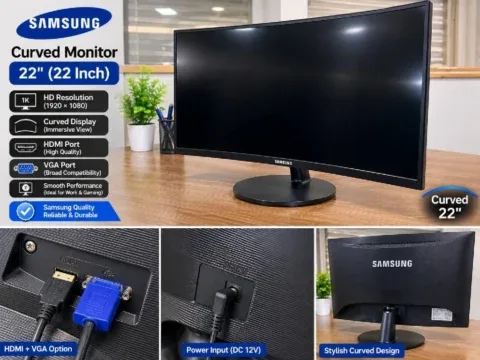 Used
Lahore
2 Nov 2026
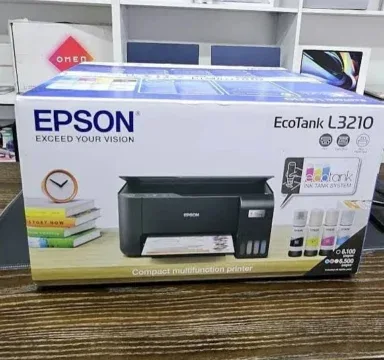 Brand New
Karachi
2 Nov 2026
Lahore
2 Nov 2026
Lahore
1 Nov 2026
 Used
Lahore
1 Nov 2026
Model information from the PakDevices device catalogue
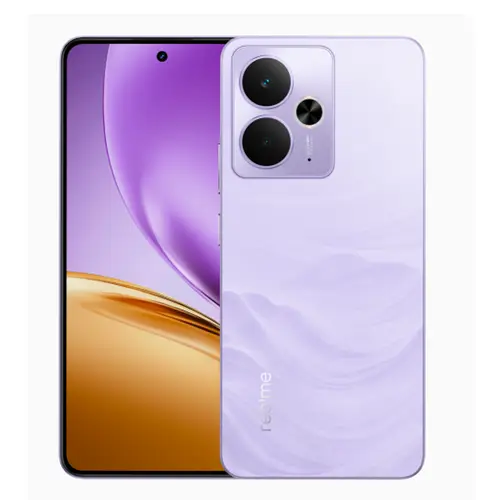 Device specification
Mobile Phones
 Device specification
Mobile Phones
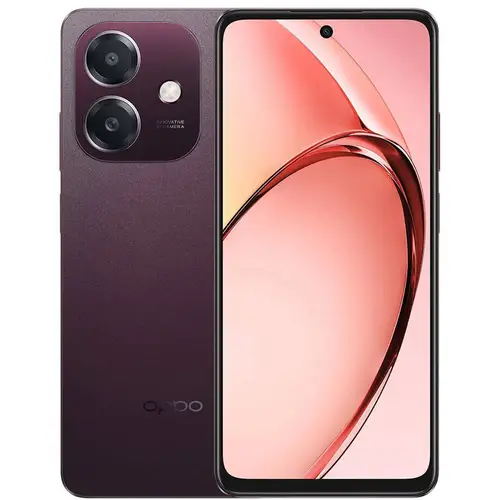 Device specification
Mobile Phones
Device specificationMobile Phones
 Device specification
Mobile Phones
 Device specification
Mobile Phones
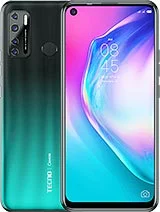 Device specification
Mobile Phones
 Device specification
Mobile Phones
Helpful reads to make your next choice easier
 Buying guide
Compare Laptop A and Laptop B with the same relevant tasks, device-specific condition evidence and complete offers. Keep unknowns visible instead of awarding a badge-based winner.
Read more Buying guide
Inventory the PC you own, identify the actual limitation and price the full chain of compatible changes before deciding whether reuse or a complete build makes sense.
Read more Buying guide
Use a diagnosis-linked quote, a complete replacement comparison and your future tasks to decide what to authorise. Avoid age rules and unsupported repair percentages.
Read more Buying guide
Choose the right service by its intended result: condition findings, an authorised repair proposal or a conditional value opinion. Prepare a request that can be assessed.
Read more Buying guide
Use model comparisons to organise a shortlist, then fill the gap between reference specifications and the condition, configuration and terms of a real seller item.
Read more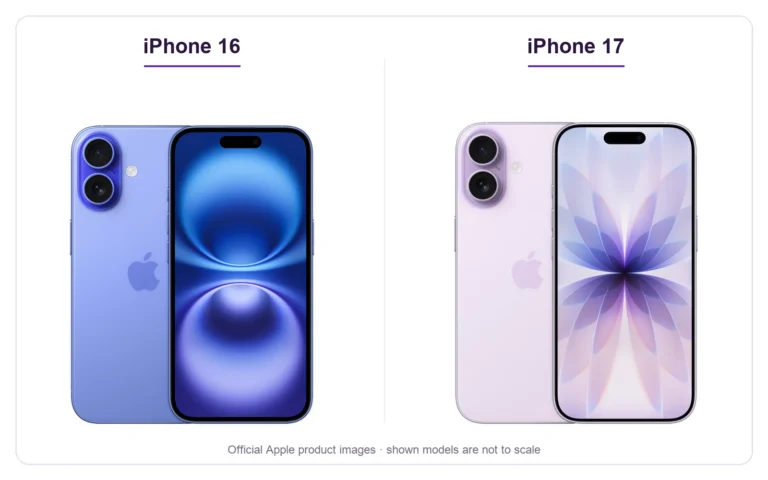 Buying guide
Comparing iPhone 16 vs 17 in Pakistan? The iPhone 17 adds a smoother display and stronger camera specification, while a clean iPhone 16 can still make sense when…
Read more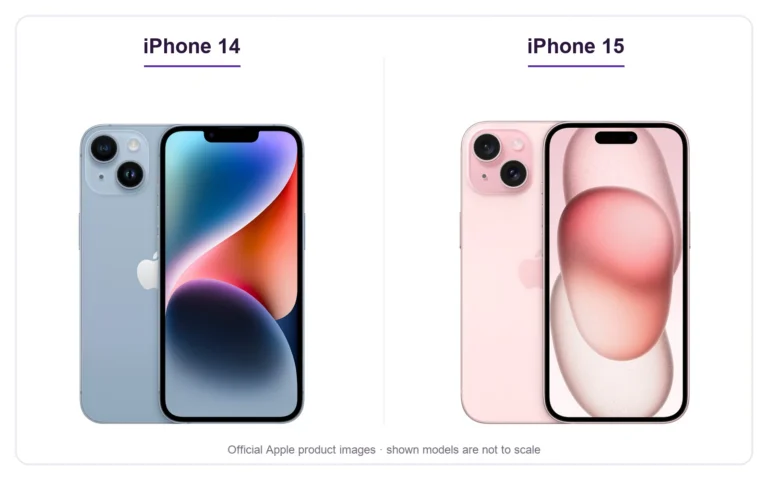 Buying guide
For iPhone 14 vs 15 in Pakistan, the most useful starting points are the charging connector, main camera and display design. Both may appear in used or remaining-stock…
Read more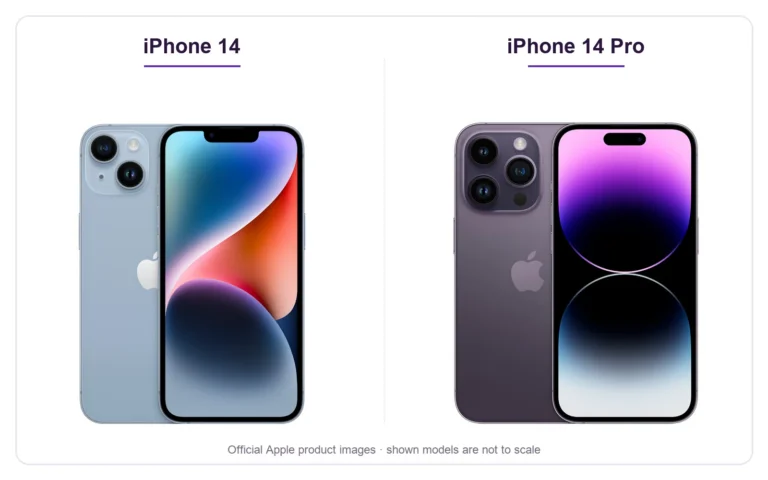 Buying guide
The iPhone 14 family contains two different buying decisions: a larger standard phone or a Pro model with a different display and camera system. Compare iPhone 14 vs…
Read moreActive, published shops in the PakDevices directory
Price guides, tools, services and more from PakDevices
Website pageOpen this page for details on PakDevices.
Read moreWebsite pageOpen this page for details on PakDevices.
Read moreWebsite pageOpen this page for details on PakDevices.
Read moreWebsite pageOpen this page for details on PakDevices.
Read moreWebsite pageOpen this page for details on PakDevices.
Read moreWebsite pageOpen this page for details on PakDevices.
Read moreWebsite pageOpen this page for details on PakDevices.
Read moreWebsite pageOpen this page for details on PakDevices.
Read moreSeller ads and component price references are shown separately. Confirm price, compatibility and availability before buying.
EXPLORE A LITTLE MORE
Browse new and used laptops, gaming PCs and components. Start with a category, explore prices in your city, or read a guide to help you choose.
A FEW HELPFUL ANSWERS
Try a model, brand, component, specification or city: DDR5, RTX 4060, ThinkPad or Lahore. Results are organised into categories so you can compare parts, complete devices and useful information.
Device cards link to seller ads. Cards labelled “Price reference” link to component price guides; they are not stock held by PakDevices. Open the result and confirm the latest details before buying.
Each category starts with two rows where enough matches are available. Choose “View all” to see more results, or use the category tabs to focus your search.
Enter your email address or username and we will send you a secure reset link.
Buy Sell Laptops, Mobile, Tablets, PCs, gaming PCs, monitors, printers, network devices, Parts & Accessories in Pakistan.
Explore app features