
Used vs New Graphics Card: What Evidence Should You Ask For?
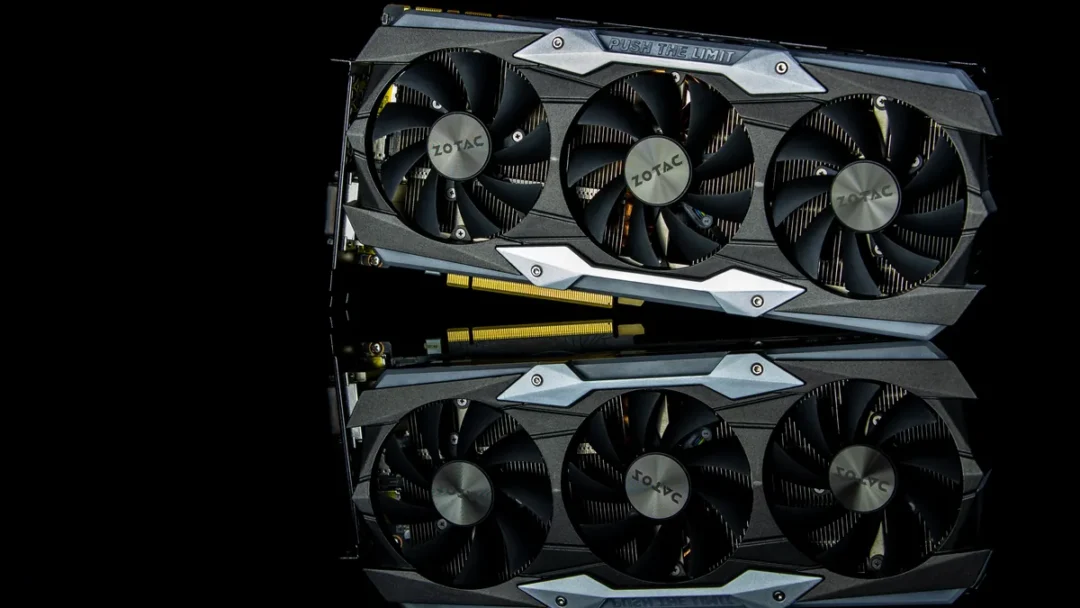
A used graphics card can be worth considering when its exact identity, condition and seller terms are clear. A new card can still be a poor purchase if it does not fit your computer or the advertised support does not apply. Compare the actual offers before deciding how much uncertainty you are willing to accept.
Make sure both offers name the same thing
Record the GPU model, board manufacturer and complete card variant. Also record memory capacity and the physical outputs. “4GB graphics card” does not identify performance, software support, cooling or compatibility. Compare cards against the applications and monitor you plan to use, rather than assigning value to memory capacity by itself.
NVIDIA’s comparison tables separate memory, display, dimensions and power specifications, and note that board-partner implementations can differ. Look up the actual card manufacturer’s specification before treating a reference design as an exact match for a seller’s card.
Ask for photographs of the actual item, including its model label and connectors. Keep identifying details in your private purchase record rather than posting serial numbers publicly. A stock photograph is useful for identifying a product family, but it is not a condition record.
Compare evidence and remedies side by side
| Evidence needed | New offer | Used offer |
|---|---|---|
| Identity | Exact variant, invoice description and matching item. | Exact variant, label and installed identity. |
| Condition | Disclose open-box, returned or repaired status where applicable. | Ask about faults, repairs, replaced fans and known history. |
| Demonstration | Agree the initial fault-reporting process. | Agree a demonstration of this card before payment. |
| Coverage | Confirm issuer, applicable region and required documents. | Confirm whether any claimed coverage transfers to you. |
| Total cost | Include compatible power, fit or display changes. | Include the same changes and any disclosed repair needs. |
A warranty screenshot is not the complete agreement. Ask who will accept a claim, what documents they require and whether the stated coverage applies in Pakistan. MSI’s warranty page directs buyers to product-specific policies. Confirm the relevant policy and region. Do not generalise one manufacturer’s policy to every card.
Inspect without turning the meeting into a repair job
With the seller’s permission, look for damaged outputs, obvious corrosion, broken fan blades and signs of rough handling. Ask about anything that does not match the description. A clean cooler does not prove that the board has never been repaired, and a marked screw does not establish its entire history.
Leave dismantling, electrical diagnosis and cooling-system work to someone qualified. You do not need to remove a cooler to ask better buying questions. If a card is hot, smells abnormal or produces obvious errors during a demonstration, stop and have the seller resolve the issue.
Ask about previous use, including mining, but treat the answer as a disclosure rather than a health certificate. You cannot reliably reconstruct a card’s complete past from appearance or a seller’s preferred label.
Run a relevant demonstration and keep its limits visible
Identify the installed card in the demonstration system, then use a supported driver and a relevant application or game at agreed settings. Confirm the output you intend to use. Note the test system, software, resolution, settings and observed behaviour, including any visual corruption, restart or loss of display.
A problem can involve the cable, monitor, driver, power or another component, so a fault seen once is not automatically a final GPU diagnosis. Conversely, passing a short demonstration does not prove long-term stability. Seek repeatable evidence and resolve unexplained symptoms before purchasing.
Do not request an invented “normal FPS” figure without defining the entire system and test. Your goal is to decide whether the demonstrated card meets your needs and whether the remaining uncertainty is acceptable.
Finish with a compatibility gate
- Check case clearance, slot space and the actual card dimensions.
- Verify PSU model, required connections and the card manufacturer’s system guidance.
- Confirm monitor inputs, resolution requirements and the necessary cable.
- Agree the delivered item, accessories, condition and fault-reporting terms in writing.
Before you choose
Is a used GPU automatically a better deal?
No. Compare its asking price with suitable alternatives, required changes and the uncertainty you are accepting. This guide does not establish a market price or a remaining lifespan.
Does more VRAM mean a faster card?
Capacity is only one specification. Compare the exact GPU and your application’s requirements; do not rank unrelated cards by their gigabyte labels.
Can I trust a card because the box looks unopened?
Packaging alone does not establish identity, condition or valid coverage. Match the actual item to its description and documents, and agree what happens if it arrives faulty.
Find the relevant parts and system guidance
Start with the computer-parts buying guide. If the card is part of a complete machine, use the gaming-PC guide and complete-build quote worksheet so that the GPU is assessed within the full system.