






Skip to content
Get the PakDevices app — Browse and sell on the go.Download app
Find local shopsHelp & support
PakDevices

PARTS REPLACEMENT · PAKISTAN

Laptop & PC parts replacement.

Request parts replacement in Pakistan. Share your device model and explain the fault.

Pakistan device services 5 device categories Your exact requirements

Printer · Parts Replacement

Change device

Request details

Choose your device, then search by brand or model to find the closest match. Add only the details needed for this request.

Device Type

Brand & Model

Request Details

Service Method & Date

Photos & Attachments

Use clear photos of the actual device. JPG, PNG and WebP. MP4 video is also supported. Up to 10 MB per file.

Tip: Optional fields can be left empty. Our team will confirm any missing details with you.

Your information

Add the best contact details for our team. We will use them only to process this request and arrange the next step.

Contact Details

City & Location

Confirmation

BEFORE YOU START

Before your parts replacement request

A parts replacement request is most useful when it identifies both the device and the component. Include a part number where available, explain the fault and mention any previous changes or repairs. If you are unsure which component failed, use the repair service for an initial review. Back up accessible files and discuss data handling before any work on storage.

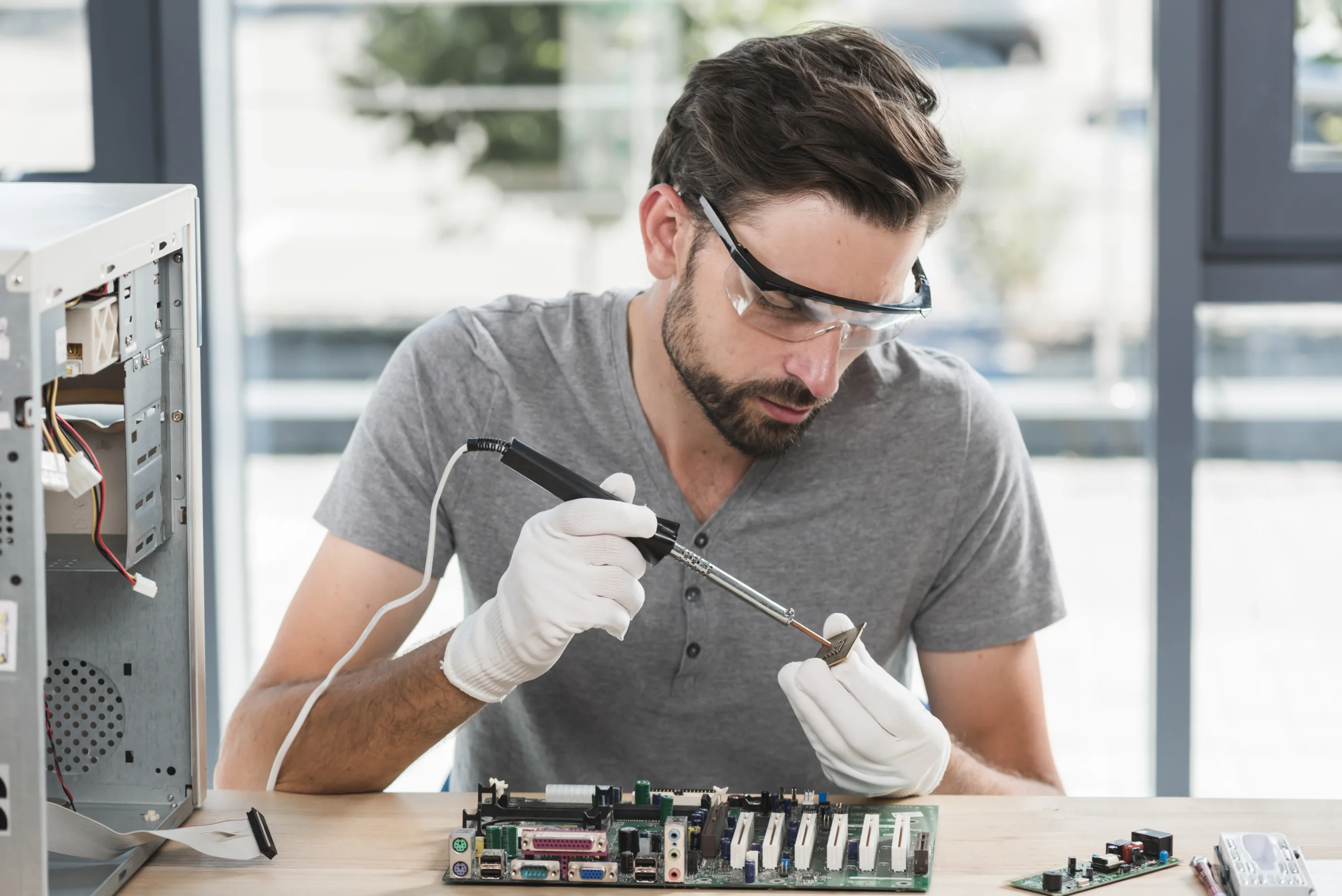
Technician fitting computer memory as part of a parts replacement service
Illustrative stock photo · magnific / Magnific

Request compatible laptop and PC parts replacement

A replacement part needs to match the actual device, not just its brand. Laptop batteries, chargers, keyboards and screens can vary within the same product family. RAM and storage upgrades also depend on the connections and specifications supported by your machine.

What to include in your request

  • Choose the device type and brand and provide the exact model where known.
  • Select the part you need and describe the fault or the upgrade you want to make.
  • Include relevant part numbers or a clear photo of a label when available, without sharing passwords or account details.
  • Choose the preferred service method and provide an accurate location for review.

What happens next

The device and part details are reviewed before compatibility, availability and cost are confirmed. If you are unsure which component is faulty, an inspection or repair request may be a better starting point. A symptom alone does not establish which part needs replacement.

Parts replacement questions

Can I request a screen, battery or keyboard replacement?

Yes. Describe the part and device model in the request. The exact fit and available replacement options need to be checked before work is arranged.

Can I ask about a RAM or SSD upgrade?

Yes. Include the installed capacity and the improvement you want. Compatibility depends on the device’s supported memory and storage interfaces.

What if I do not know which part has failed?

Explain the symptoms and consider the Device Inspection or Repair Services form. This allows the problem to be reviewed before assuming a replacement is required.